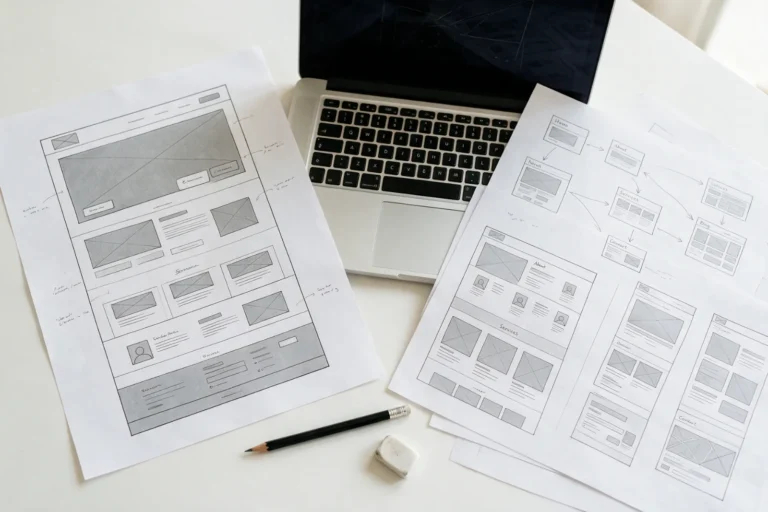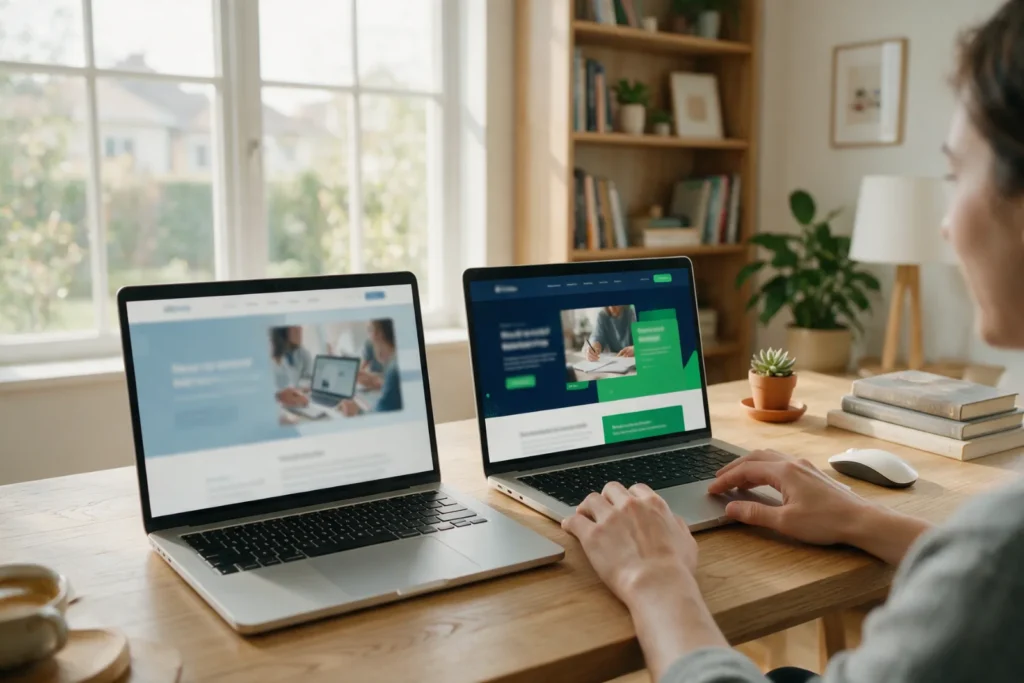
If you ask a WordPress developer which is better, they will say “WordPress”. If you ask someone who writes their own content management systems, you will hear the opposite. Both answers are sincere and both are only half-useful. We do both, so we can compare without bias: where one wins, where the other wins, and how to understand what suits you.
In short: choose WordPress if you need an online shop, many sections and the ability to connect almost any service. Choose our own CMS if you need a fast landing page, a corporate website or a catalogue that does not depend on plugins and changes rarely. The starting price of a landing page is the same in both cases: from 3000 UAH.
What we call “our own CMS”
A CMS is the “control panel” of a site: the admin area where you change texts, photos and products. WordPress is a ready, universal platform: it has many features out of the box and thousands of plugins. Our own CMS is an admin panel built for a specific site: it contains only the fields and sections you need, and nothing superfluous.
Imagine a construction kit and custom-made furniture. The kit gives you freedom to rearrange everything, but the parts may wobble. Custom furniture is made for the room and stands firmly, but you cannot move the wall with it without a professional.
A comparison by criteria that really affect the decision
| Criterion | WordPress | Own CMS |
|---|---|---|
| Speed | Depends on the theme and plugins; optimisation needed | Fast out of the box — no heavy plugins |
| Support | Core and plugin updates every month | Minimal: no plugins to update |
| Flexibility | Almost any feature is a plugin or is written for the task | Only what has been designed; anything new is separate development work |
| Ecosystem | Thousands of plugins, any developer can take them over | We support it; for an outside developer there is documentation |
| Security | The most common target for bots, via outdated plugins | Smaller attack surface: no third-party plugins |
| A shop with hundreds of products | WooCommerce: payments, delivery, stock | A catalogue with an enquiry form; a full shop — on WordPress |
How much it costs
Our starting prices are the same for the types of sites we build on both platforms:
| Website type | WordPress | Own CMS |
|---|---|---|
| Landing page | from 3000 UAH | from 3000 UAH |
| Blog | from 8000 UAH | from 8000 UAH |
| Corporate website | from 12,000 UAH | from 10,000 UAH |
| Catalogue | from 16,000 UAH | from 16,000 UAH |
| Online shop | from 20,000 UAH | we do not do this: we recommend WordPress |
The exact amount depending on the design and features can be seen in the calculator. The general principle of calculation is explained in the article on the cost of a WordPress website.

When WordPress is better
- There is an online shop or one will appear within a year: payments, delivery, stock, promotions, product import.
- Many pages and constant changes: blog, news, sections edited by several people.
- Integrations needed: CRM, email newsletters, booking calendar, multilingual support.
- Flexibility of the developer: a huge number of specialists know WordPress, so you are not tied to one team.
When our own CMS is better
- A landing page or a business card site where speed and conversion matter, not dozens of plugins.
- A corporate website that must run stably for years without updates and surprises.
- A catalogue of hundreds of items with filters that do not slow things down.
- Simplicity for editors: an admin panel without unnecessary settings, where it is hard to break something.
Five questions that decide the choice
- Will you sell products online with a cart and payment? Yes — almost certainly WordPress.
- Who will edit the site and how often? Once a month by one person — any option works; several people daily — the familiar WordPress admin panel is more convenient.
- How many pages will there be in a year? Up to 10 — CMS; hundreds — WordPress.
- Which services need to be connected? If there are many and they will change, choose a platform with ready-made integrations.
- What support is realistic for you? If nobody will track updates, our own CMS without plugins is more stable.
Three myths that get in the way of choosing
- “WordPress is unsafe”. Outdated plugins and weak passwords are dangerous. A site that is updated and has backups is well protected.
- “Our own CMS means dependence on the developer”. Partly true. But you remain the owner: the domain, hosting and files are registered in your name, and access is handed over after launch.
- “The platform determines Google rankings”. No. Search results depend on speed, structure and content, not on the name of the CMS.
How we help you choose
We do not sell one solution. Describe the task in the 5-minute brief, and we will honestly tell you what suits you, even when it is cheaper than what you were going to order. More about services: WordPress and websites on our own CMS.
Three stories of choice
Three invented but typical profiles will help you compare them with your own situation:
- A furniture workshop with 40 models. A catalogue with photos, a request form, rare updates, speed matters. Our own CMS fits: the site opens instantly, and the admin panel is simple even for an administrator without experience.
- A women’s clothing shop. Cart, payments, stock, promotions, regular imports from price lists. Here we choose WordPress with WooCommerce: all of this is already available as ready-made tools.
- A lawyer with a practice. A few service pages, reviews, a consultation form and a blog. Both options are suitable. If you plan to write articles actively and add sections, WordPress is more convenient; if you want “set it and forget it”, our own CMS.
As we can see, the answer depends not on the “trendiness” of a platform, but on what you are going to do with the site every day.
Frequently asked questions
Can you later move from our own CMS to WordPress?
Yes. We transfer the content and structure, keeping page addresses and setting up redirects so as not to lose rankings. It is separate work, so if a shop is planned — it is better to choose WordPress right away.
What about SEO: which platform is better?
Neither is better by default. What matters is speed, heading structure, meta tags, clear addresses and text quality. Our own CMS often wins on speed, WordPress — on ready-made SEO tools.
Can a shop be added to our own CMS later?
On our own CMS we have a catalogue with an enquiry on each item. A full-fledged shop with payments, stock and delivery is built on WordPress with WooCommerce.
Who will own the site?
You. The domain, hosting, admin panel and files are registered in your name and handed over right after launch, regardless of the platform.
Shall we discuss your task?
Tell us what you need and we'll name the cost and timeline. We work directly.